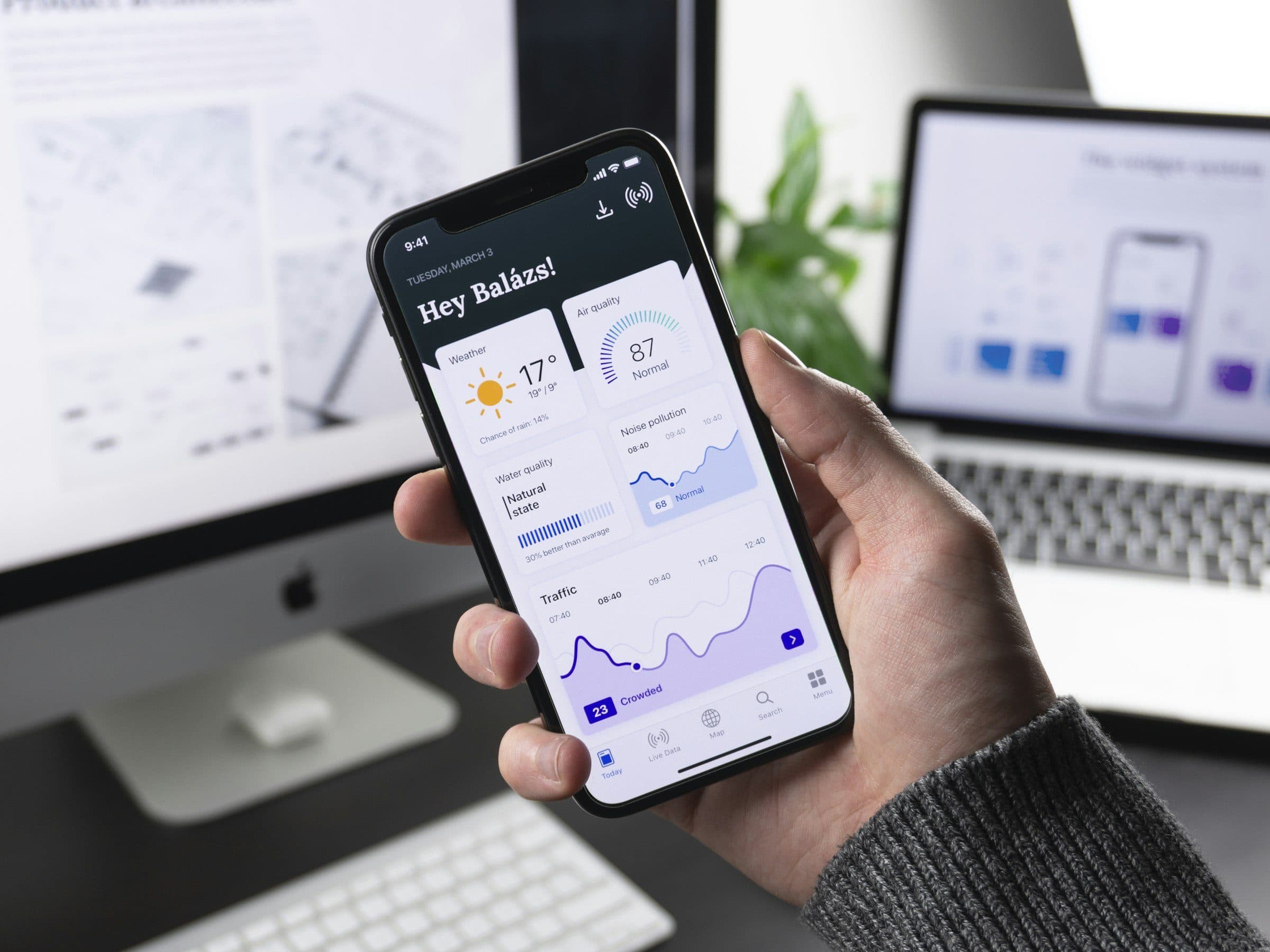
Submitting an app to the Shopify App Store
A public app has to pass Shopify's review before stores can find it in the App Store. These are the steps, from registration to publication, and the points where a submission usually comes back.
Public or custom
Shopify has two kinds of apps you build yourself. A custom app is for one store, or for the stores within one Plus organization. You install it with a link, it does not appear in the App Store and it does not go through review.
A public app is listed in the App Store and any store can install it. Before that, Shopify reviews the app itself and the listing, the page where merchants find it. This article is about that route. Note that you choose the distribution method once. A custom app cannot become a public app later.
Registration and costs
For the App Store you register your organization once, in the Dev Dashboard settings. It costs 19 dollars per Partner account.
If the app earns money through Shopify, you keep all of the first million dollars in revenue. Above that, Shopify keeps 15 percent. Only revenue from 1 January 2025 counts toward that million, and all billing carries a 2.9 percent processing fee plus sales tax. Custom apps need no registration.
What to prepare
The review starts on your app's review page. Shopify walks you through the required parts there and saves your progress. This has to be ready before you can submit:
- An app that works on a development store. After installing, the merchant goes straight to the screen where they approve the permissions, and reinstalling has to work without errors too.
- Billing through Shopify. If the app charges anything, it does so through Shopify's Billing API. Turn test mode off before you submit.
- The privacy webhooks. Every App Store app responds to three mandatory webhooks: a customer requesting their data, a customer having it erased, and a store removing the app.
- The configuration. An icon of 1200 by 1200 pixels, app URLs and a contact address without the word Shopify in them, and an emergency contact with email and phone number.
- A listing. A primary language and at least one listing that meets Shopify's rules, with a privacy policy.
- Test instructions. A screencast in English or with English subtitles that shows setup and features, and test accounts that work without two-factor authentication.
If the app uses protected customer data, such as names and addresses, request access beforehand. You can no longer do so once the app is in review. And the app may only use APIs that stay supported for at least another 90 days.
From draft to published
Follow a submission through the statuses Shopify uses, and see whose turn it is at each step.
An app through review
- Draft: you fill in the review page. The app is not visible anywhere yet.
- Shopify runs automated checks for common errors. All of them have to pass; you fix a failed check and run it again.
- Submitted: you get a confirmation by email. As long as no reviewer is assigned, you can withdraw the submission.
- Paused: if the app does not meet the core requirements, you get an email with what has to change. You make the changes and submit the fixes.
- Reviewed: a reviewer tests the app and emails what still needs doing. You reply to that email to continue.
- Published: the app is approved and listed in the App Store.
One new app at a time
Shopify limits how many new apps an organization submits. One can be in review at a time, from submission until publication. And if you already have apps in the App Store, each of them needs at least ten installs from active stores on a paid plan. Development stores and free trials do not count.
The limit does not apply when you submit fixes for an app that is already in review, or an update to a published app. So submit your most complete app first.
Why an app comes back
Shopify itself names the problems that come up most:
- no redirect to the permissions screen after installing, or an error when installing or reinstalling;
- a broken interface, or a 404 or 500 error;
- missing test instructions or test accounts, or an app that is unfinished or unstable;
- for online store apps: no theme app extensions, or parts that do not work in the store;
- outdated pricing information, no way to switch plans, or billing outside Shopify.
If you fail to resolve the reviewer's comments after two or more rounds, keep resubmitting with new problems or do not answer emails, you get a cooldown. You cannot submit the app for a while then, and each further cooldown lasts longer.
Our stance
A review is not a test. What the reviewer finds, we should have found first.Brandbrand
Questions about this
What does it cost to submit an app?
A one-time 19 dollars per Partner account to register for the App Store. You pay no revenue share on the first million dollars, and 15 percent above that.
Does a custom app go through review?
No. You install a custom app with a link on one store, or on the stores of one Plus organization. It is not listed in the App Store.
How many apps can I submit at once?
One new app at a time per organization. Fixes for an app in review and updates to a published app do not count.
Can I withdraw a submission?
Yes, while the app is waiting for a reviewer. If you withdraw it and submit again later, it counts as a new app again.