We delete install.php after every update
On 18 November Drupal reported a flaw that lets a stranger reinstall your site and take it over. A day later it was already being exploited. What happened, and why the installer is now gone from all our Drupal sites.
What happened on 18 November
On 18 November the Drupal Security Team published SA-CORE-2026-017. The risk: highly critical, 20 out of 25. Under certain conditions, an attacker can use Drupal's installer to reinstall the site. That lets them take the site over or run their own code. No login is needed.
A day later, on 19 November at 19:00 UTC, the Security Team received the first report of the flaw being exploited on live sites. The fix is in Drupal 10.6.22, 11.3.22 and 11.4.13. If your site runs an older version, updating is the only real fix.
Why is there an installer on a live site?
Drupal ships core/install.php in every release. You use it once: when you install a new site in the browser. After that it does nothing, but it stays on the server, reachable by anyone who knows the address.
Normally that is not a problem: on an installed site the script refuses to continue. This flaw showed that "normally" is not enough. A file that has no reason to be there is a door nobody is watching.
Update, then one more step
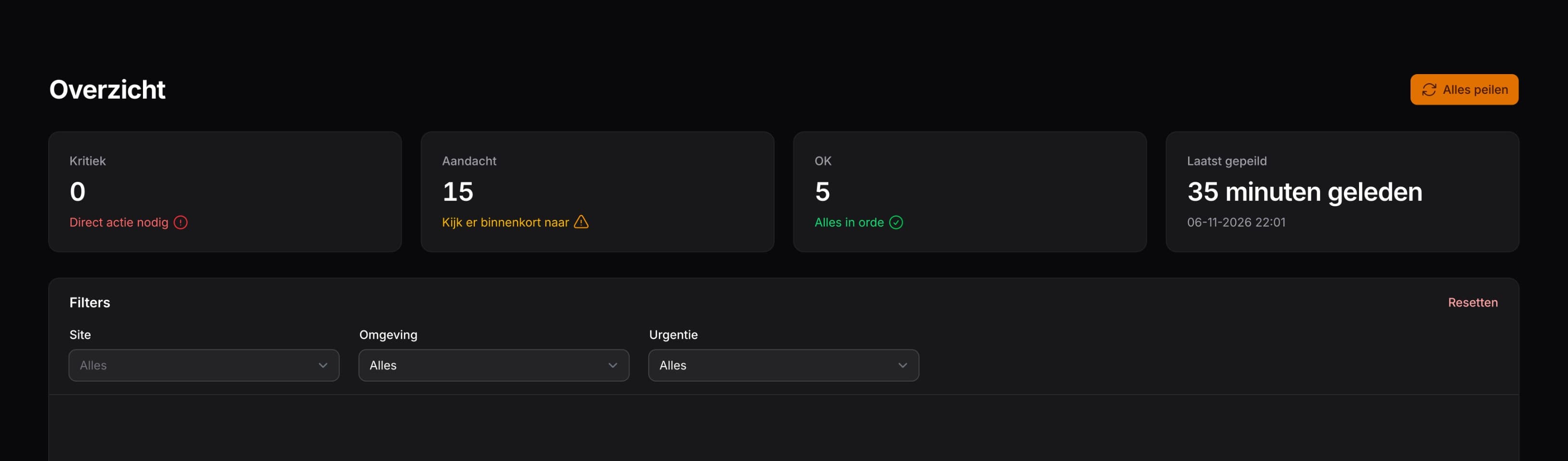
Our Updater shows us every hour which site is missing an update. That same evening the new core release went to production through a pull request. The next pull request added one more step: a line in composer.json that deletes the installer after every composer install and composer update.
That matters, because Composer puts the file back with every Drupal core update. Deleting it by hand once only helps until the next update. With this line the file disappears automatically, on all our Drupal sites, on every deploy.
"scripts": {
    "post-install-cmd": [
        "DrupalProject\\composer\\ScriptHandler::createRequiredFiles",
        "rm -f web/core/install.php"
    ],
    "post-update-cmd": [
        "DrupalProject\\composer\\ScriptHandler::createRequiredFiles",
        "rm -f web/core/install.php"
    ]
}Why delete it instead of blocking it
Drupal's guide to securing install.php lists three ways:
- Block it in the web server. A rule in Apache or Nginx that refuses the address. Works well, but it lives outside the code and differs per server.
- Block it in .htaccess. Possible, but Drupal rewrites that file on every update. So you have to make Composer add the rule back each time.
- Delete the file. What is not there cannot be called. And the rule lives in the repository, so every server picks it up on its own.
We never reinstall a live site in the browser. New sites are set up with drush. So we delete it: the simplest rule that always works.
Our position
A file a live site will never need again does not stay on our servers.Remco, CTO at Brandbrand
Where it stops
- It does not replace the update. Deleting the file closes this one door. The next flaw will be somewhere else. So we still ship security updates as fast as we can.
- Only when Composer runs its scripts. Deploy with
composer install --no-scriptsand the line is skipped, so the file stays. Check how your server installs. - No more installing in the browser. If you do want to set up a new site in the browser, the file has to be back for a while. Not a problem for us, maybe for you.
What you can do now
- Check your Drupal version. Below 10.6.22, 11.3.22 or 11.4.13? Then your site is vulnerable. On 10.5, 11.2 or older you won't even get an update anymore.
- Open
/core/install.phpon your own domain. A 403 or 404 means it is shut off. A Drupal page means the door is open. - Ask your developer how fast a security update goes live. With this flaw there was one day between the report and the first attack.