Kade-171
One dinnerware set, thirty parts in stock.
Kade-171 sells dinnerware both in sets and individually. We built them a custom Shopify app that keeps both inventories in sync automatically: a set is only for sale when all its parts are really there, and every sale deducts the individual plates and mugs.
Visit the website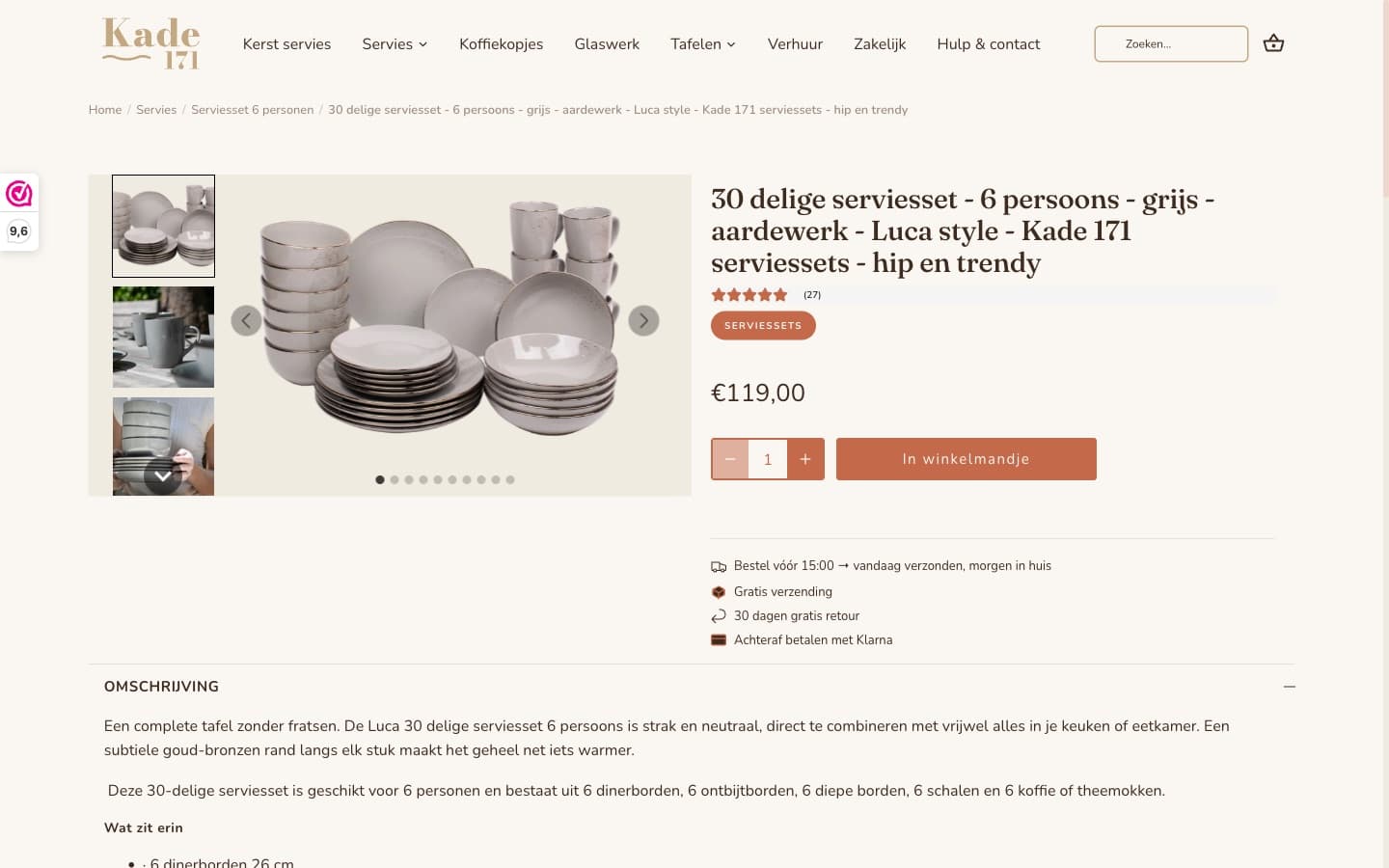
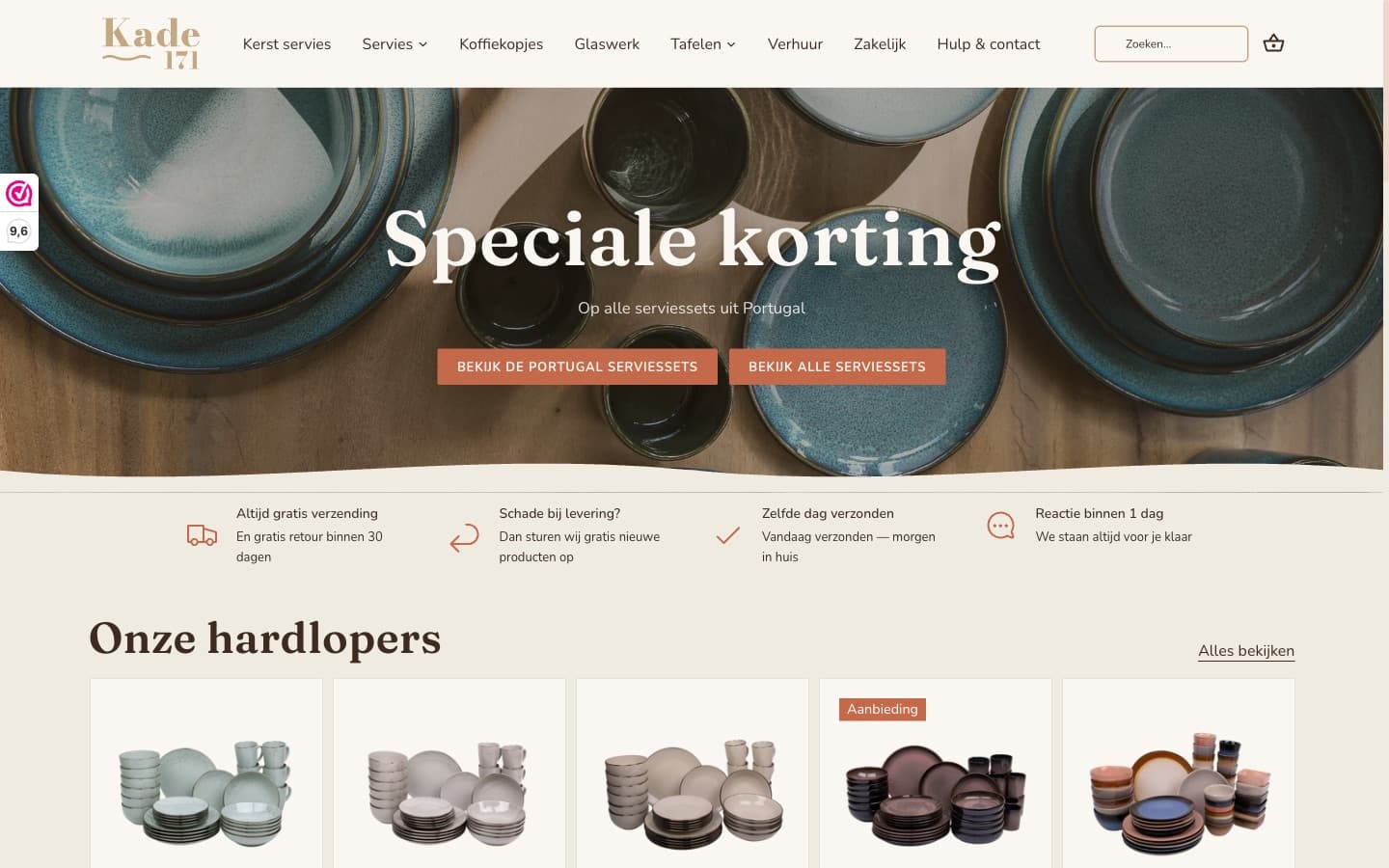
Two inventories that drifted apart
Without the app
In Shopify, a set is a separate product with its own stock. Sell a set, and the individual plates don't know it. Sell a single plate, and the set is still for sale. Keeping track of it all was manual work.
With the app
Every set knows which parts it's made of and how many of each. An order deducts the parts, and the stock of every set is recalculated from what's actually on the shelf.
Do the math yourself
This is how the app calculates the 30-piece Luca set: 6 of each part per set. Change the stock of the parts or sell a set: the part that runs out first decides how many sets are for sale.
Worked example. The stock numbers are made up; the calculation is the app's.
4sets for sale
Limited by the deep plates.
What the app does
An order deducts the parts
When a set is ordered, every part is deducted, even in sets made up of other sets. An order is never processed twice.
Webhooks orders/create and orders/paid, Shopify Flow
Every set recalculated
After an order with a set, the app recalculates the stock of all sets and only writes what has changed.
Shopify GraphQL, inventorySetQuantities
Canceling puts it back
A canceled order puts the parts back in stock, unless the refund says it doesn't need to.
Webhook orders/cancelled
Updated by hand, and still right
If someone changes the stock of a single plate, only the sets that use that plate are updated.
Webhook inventory_levels/update, queue
A set put together differently
If the contents of a set change, the app immediately recalculates that set and the sets above it.
Webhook products/update
A check every 15 minutes
A scheduled task rechecks all sets every 15 minutes, as a safety net for anything that went wrong along the way.
Scheduled task in Laravel
In the Shopify admin
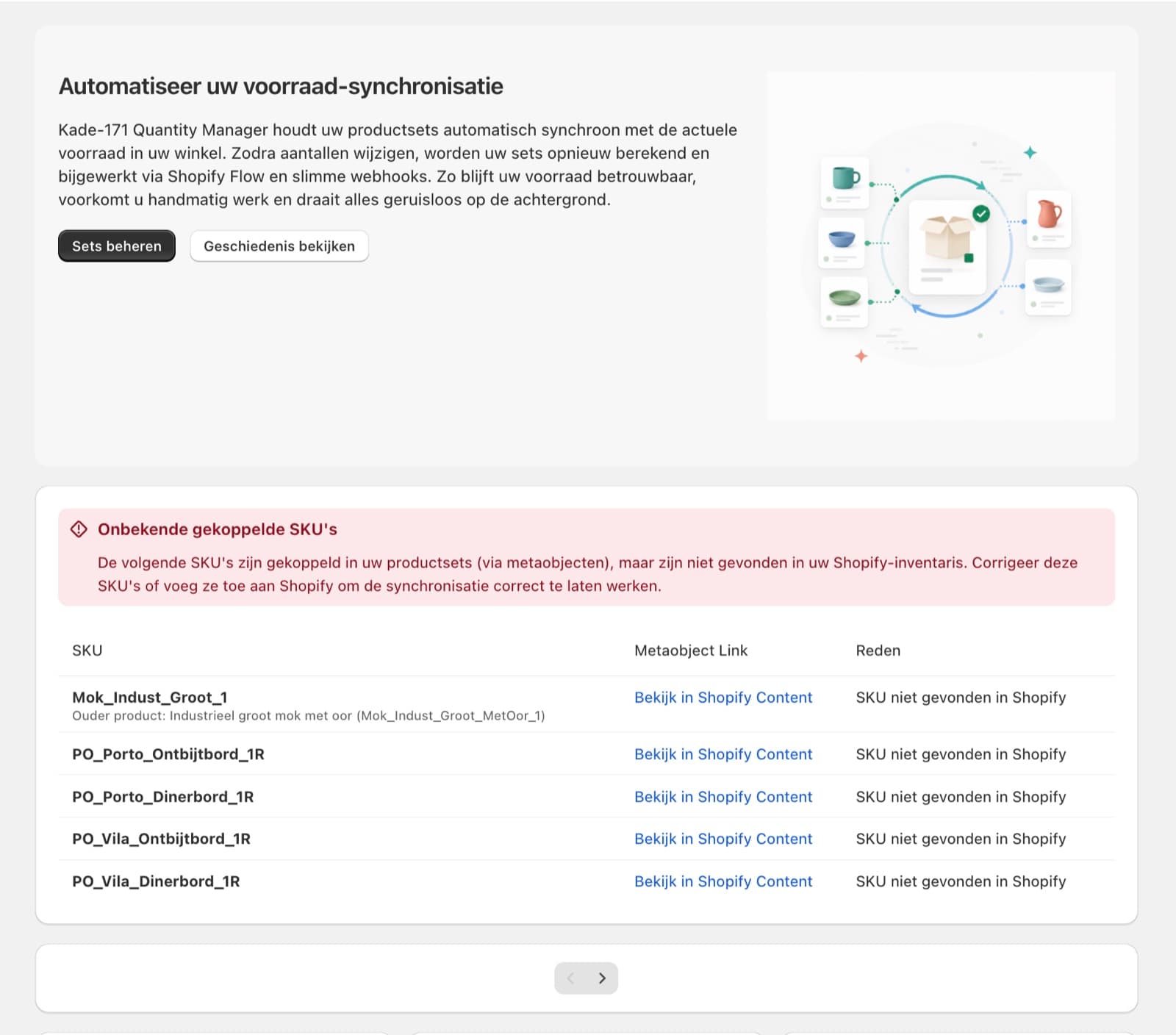
Kade-171 manages everything from a screen of its own in Shopify, in Dutch, English, German and French. The start screen explains in a few sentences what the app does in the background, with the way to the sets and the log.
- Errors visible up front: parts that are in a set but don't exist in the store, or point to their own set, are listed at the top, with a link to the place in Shopify where you fix them.
- Sets in Shopify itself: which parts a set contains, Kade-171 records in Shopify with metaobjects, not in a separate system.
- A log: the past week's activity, behind View history.
All sets in one overview
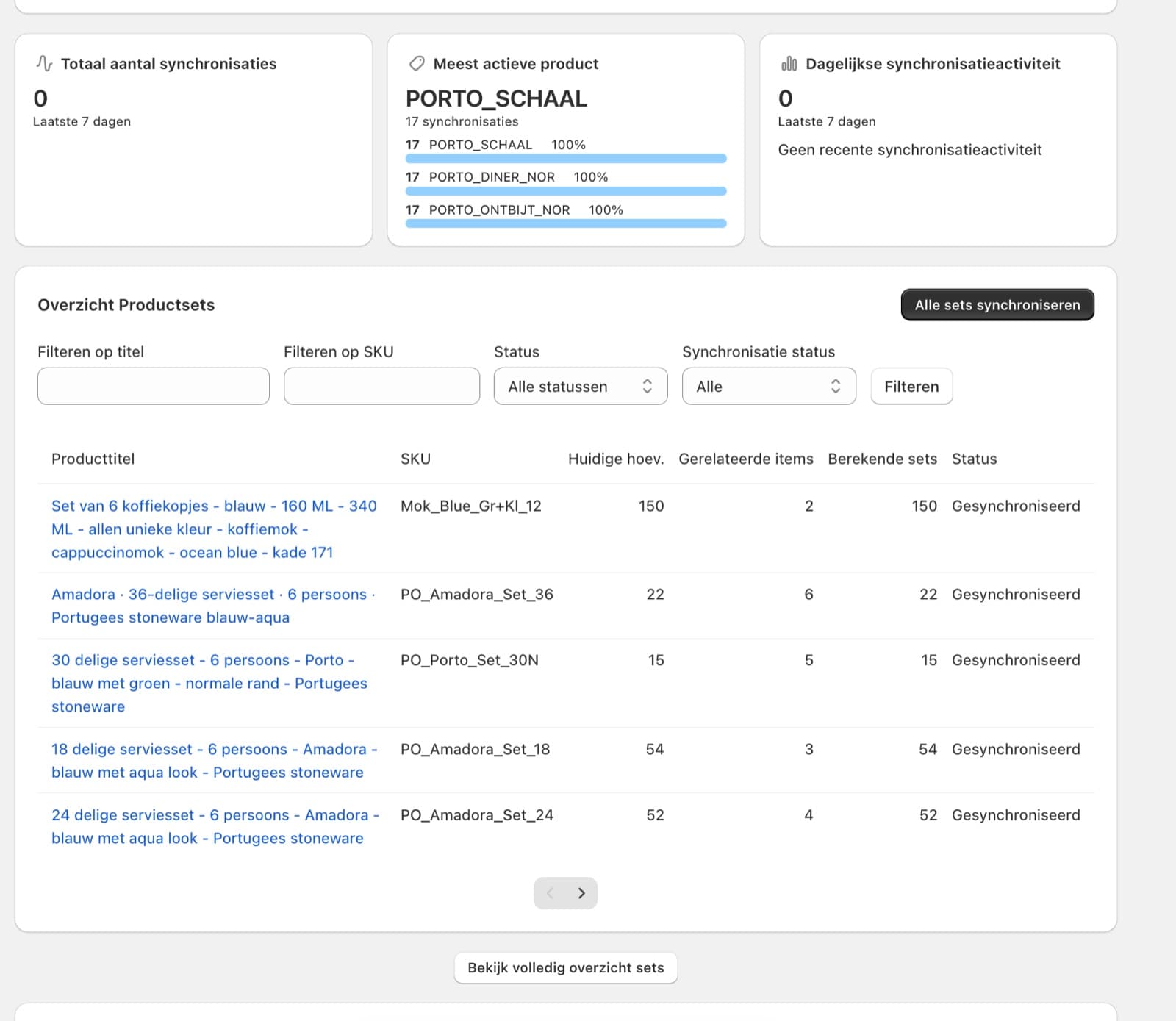
For each set you see the current stock, how many parts it consists of, how many sets the loose stock can make and whether the two match. You can filter by title, SKU and status.
- Which part limits it: each set shows which part limits its stock, so you see what to reorder.
- One click: sync one set or all sets at once.
- Activity at the top: the number of syncs in the past week and which products are updated most often.
- 6
- webhooks that keep track of inventory
- 15
- minutes between each check of all sets
- 5
- levels deep: sets in sets in sets
- 4
- languages in the admin screen
Gebouwd met Laravel, React and Polaris, the Shopify GraphQL Admin API and Shopify Flow.
Services in this case
Do you sell sets too?
Whether it's dinnerware, personal care or parts: we make your inventory add up, however your products are combined.